
Notes
With Craig, you can add notes during a recording, where it will be timestamped and show up in some exports. You can use this to note down things that happen, or create chapters or segments during a recording.
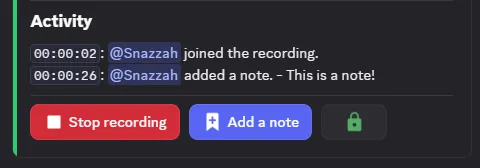
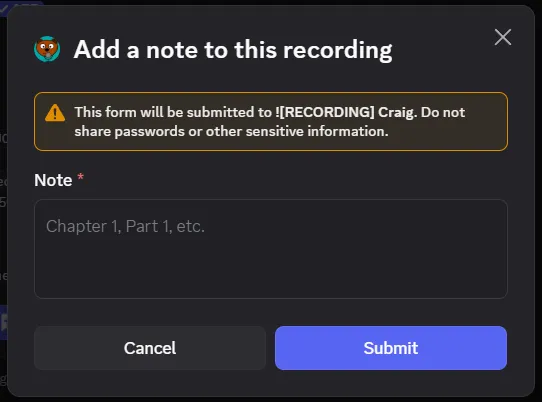
To create a note, there is an “Add a note” button that will create a text box to put your note in. You can also use the /note command during a recording.
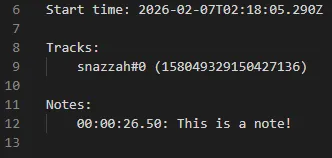
In every multi-track format, notes will show up inside the “info.txt” text file.
In Audacity projects, notes will be shown in a label track.

In Adobe Audition sessions, notes will be shown as markers.
